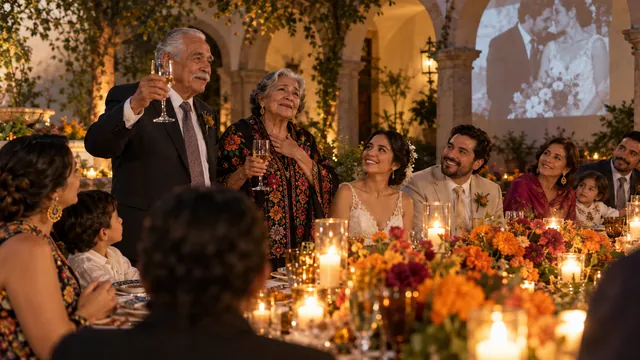


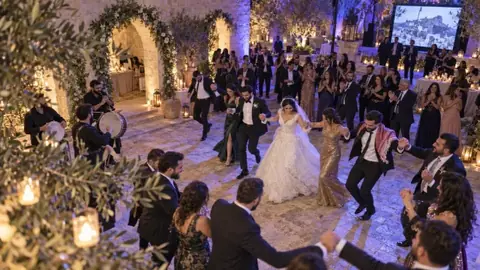

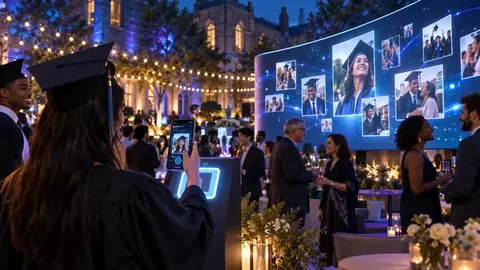










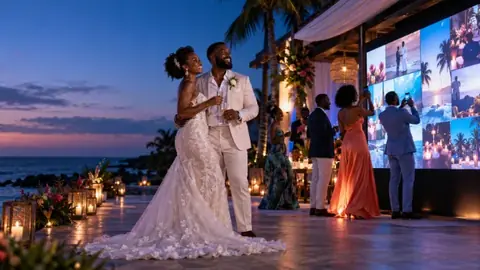

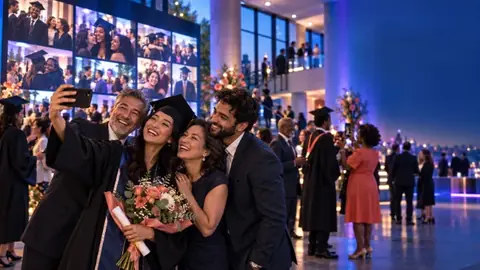










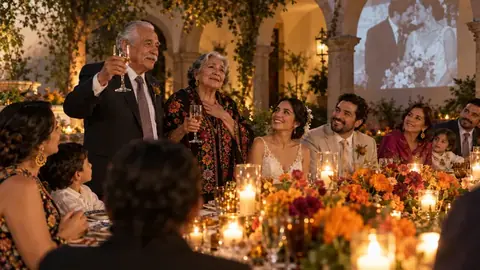
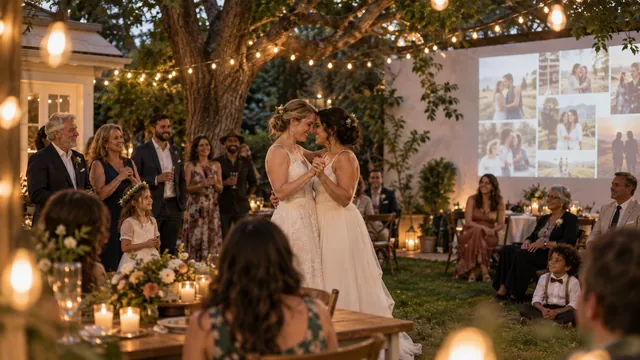
Here's something nobody tells you before your wedding: your guests will take more photos than your photographer. Hundreds of them. The cousin who caught your dad crying during the vows. The table that started a conga line at 11 p.m. The shot of your grandmother on the dance floor that you'd pay real money for.
And most of those photos stay on their phones. Forever.
A live wedding photo wall fixes that. Guests share their photos while the party is still going, the best ones play on a screen in the room, and every single one ends up in one place for you afterwards.
What a live wedding photo wall actually is
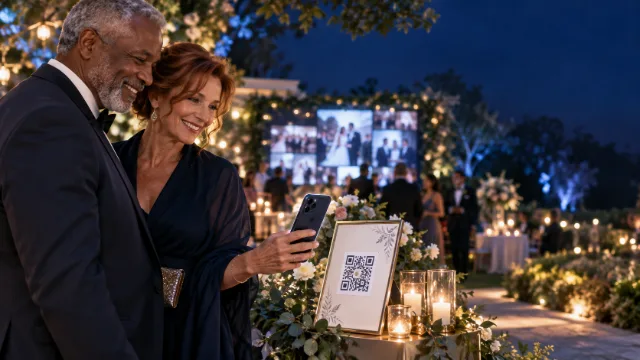
It's a screen at your reception (a TV, a projector, an LED wall, even a laptop) that shows the photos your guests take, as they take them. With Pixloud, guests scan a QR code on their table, pick a photo, and send it. No app to download, no account to make. It opens in the phone's normal browser.
Nothing appears on the screen until you, or someone you trust, approves it. More on that below, because it's the part couples ask about first.
How it works on the day
- Before the wedding, you create your event and print the QR code on table cards or a sign. Pixloud makes the cards for you, four to a page.
- Guests scan the code with their phone camera. A page opens with your names on it.
- They pick a photo (or a few), add a short message if they like, and tap send.
- The photo lands in your approval queue. You, your planner or a friend taps Approve.
- A few seconds later it's on the big screen, and everyone at that table cheers.
That last step is the whole point. People love seeing their photo up there, so they share more, and the wall keeps filling all night.
Who approves the photos?
You decide. Most couples hand it to a maid of honor, a sibling or the planner, so they can enjoy their own wedding. Helpers approve from their own phones and only ever see the approval queue, never your settings or billing.
You can also skip a photo with one tap. It never reaches the screen, and the guest doesn't get a rude message about it.
Give approving to two people in shifts. One hour each is plenty, and nobody misses the first dance.
What guests can share
Photos, of course. On paid plans, guests can also send short video clips and voice notes (lovely for toasts from people who'd never stand up with a microphone), plus written messages.
- Free: 3 photos per guest, 25 photos in total, and messages. Good for a test run or a small dinner.
- Essential ($79): up to 10 photos, a 10-second video and a 10-second voice note per guest, for an event up to 3 days long.
- Signature ($149): up to 25 photos, three 15-second videos and three voice notes per guest, up to 5 screens, and a short recap video of the night.
Messages don't count towards the photo limit: every guest can send up to 5, on every plan.
Do you need a big screen?
Not really. Any screen with a web browser works. Venues often have a projector already, and a smart TV on a stand works fine for a backyard wedding. Open pixloud.app/tv on the TV, type in a 4-digit code from your phone, and the wall is up.
If you'd rather not have a screen at all, you can still use Pixloud just to collect the photos. Guests share the same way, and everything goes into your private album.
After the wedding: one album, all the photos
When the party is over, every approved photo, video and voice note sits in one private album. You get a link and a QR code to share with guests, so everyone can see the night from everyone else's phones. You can download all of it in one zip.
Signature keeps the album for 12 months, Essential for 6. If you want it online for longer, you can pay once to keep it 1 more year ($19) or 3 more years ($39). We email you before anything is deleted, so nothing disappears by surprise.
Is a photo wall better than a photo booth?
They do different jobs, and plenty of couples have both. A booth gives you posed, propped-up portraits from people who walk over to it. A photo wall collects what's happening at every table, all night, from everyone who has a phone. We wrote a fair comparison here: photo booth or live photo wall.
Privacy, in plain words
- Nothing reaches the screen without approval.
- Your wall link can be kept private, so only your screens can open it.
- Guests never need an account, and we never ask for their email.
- Pixloud doesn't use face recognition. Not now, not as a future feature.
A simple plan for your wedding
- A few weeks before: create the event, pick a wall style that matches your colours, and add your names.
- The week before: print the table cards and choose who'll approve photos.
- The day before: test it. Open the wall on the venue's screen and send yourself a photo.
- On the night: tell the DJ or MC to mention it once, early. That single announcement makes a big difference.
The event checklist has the full version, and printing table cards shows how the cards look.
Questions people ask
Do our guests need to download an app?
No. Guests scan the QR code with their phone camera and the page opens in their normal browser. There is nothing to install and no account to make.
What if someone posts something embarrassing?
Every photo waits for approval before it appears on the screen. You or your helpers approve or skip each one from your phones, so nothing shows up that you haven't seen first.
What screen do we need?
Any screen with a web browser: a smart TV, a projector, an LED wall or a laptop. Open pixloud.app/tv on it and type in the 4-digit code from your phone.
Can we try it before the wedding?
Yes. Your first 25 photos are free, so you can set up an event, print a card and test it at home before you pay for anything.
Can older guests use it?
If they can take a photo with their phone camera, they can scan the code. Guests who can't scan can type the short code from the card at pixloud.app/join instead.
Try it before your event
Your first 25 photos are free, with no card needed. Set up an event, print one card, and test it at home.