




























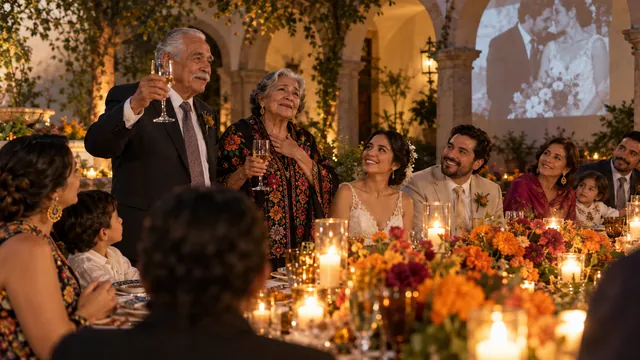
Ask anyone who got married a few years ago what they wish they'd done differently, and a surprising number say the same thing: "I wish I'd gotten the guests' photos."
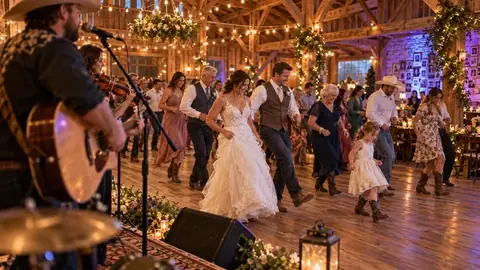
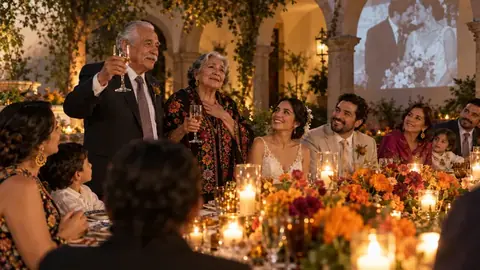
Your photographer will cover the big moments beautifully. But they can't be at every table. They won't catch your college roommates reenacting a dance from 2014, or your nephew asleep under a chair, or the look on your mom's face when the band played her song. Your guests will. The trouble is getting those photos off their phones and onto yours.
Here's what we've learned about doing that well.
Why guest photos go missing
It's not that people don't want to share. It's that sharing takes effort at exactly the wrong time. At the reception they're having fun. The next morning they're tired. By the following week, the photos are buried under a hundred newer ones, and "I'll send them later" quietly becomes never.
So the trick isn't asking nicely. It's making sharing so easy that people do it on the night, while the photo is still on their screen.
The usual options, honestly compared
1. "Just text them to us"
Works with close family. Falls apart with everyone else. Texts compress photos, you end up with dozens of threads, and you'll spend an evening saving images one by one.
2. A wedding hashtag
Fun on the sign, disappointing in practice. Photos from private accounts never show up, plenty of guests don't post at all, and the ones who do usually post their best two shots, not the funny ones.
3. A shared album
Better, but it usually needs everyone on the same app or signed in to an account. Your tech-savvy friends will manage. Your aunt probably won't, and she's the one with the best photos of your grandparents.
4. Disposable cameras on the tables
Charming, and a real hit with some crowds. But you wait weeks for prints, a lot of the shots come out dark, and people use them less than you'd expect once the novelty wears off.
5. A QR code that goes straight to you
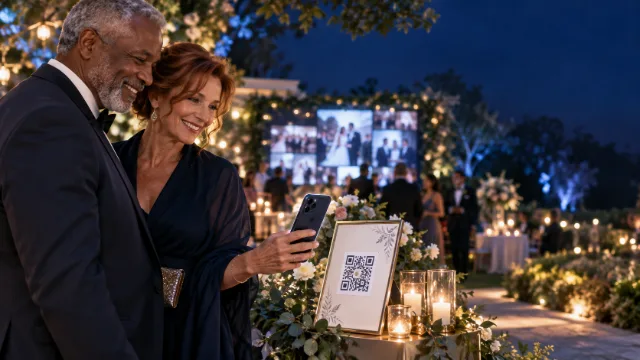
This is the one we built Pixloud around, so take our opinion with that in mind. Guests scan a code on the table with their phone camera, pick photos from their camera roll and send them. No app, no account. It works on the phone they already have, at the moment they're already holding it.
Make it part of the night, not a chore
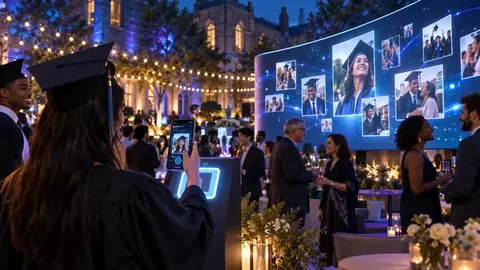
The single biggest thing you can do is give people a reason to share right now. That's where a live photo wall comes in: approved photos appear on a screen at the reception a few seconds after they're sent.
The first time a guest sees their photo go up, something changes. They nudge the person next to them. The table starts sending more. By the end of the night, you've got photos from people who would never have bothered with an album link a week later.
You stay in control, too. Every photo waits for approval before it reaches the screen, and you can hand that job to a friend or your planner.
Five small things that make a big difference
- Put the code where phones already are. Tables, the bar, the dessert table, the photo backdrop.
- Have the DJ or MC mention it once, early. One announcement after dinner is worth ten signs.
- Make the first post yourself. An empty wall feels like a party nobody came to. Send a photo from getting ready, and others follow.
- Ask for messages too. Some guests won't share photos but will happily write a few lines. Those messages are often the part couples treasure most.
- Keep the link going after the wedding. People find more photos the next morning. Leave sharing open for a day or two.
What to do with them afterwards
Once the night is over, you'll want everything in one place. With Pixloud, every approved photo, video and message sits in a private album you can share with guests and download in one go. Most couples send the album link in their thank-you message, and that usually brings in a few last photos too.
The short version
Your guests want to give you their photos. They just need it to take ten seconds, on the night, without downloading anything. Make it that easy, and you'll end up with the side of your wedding you never got to see.
If you'd like to try it, your first 25 photos are free. Set up an event, print one card, and test it at home before the big day.
Questions people ask
What is the easiest way to collect photos from wedding guests?
A QR code on each table that opens an upload page in the phone's browser. Guests share photos on the night in a few seconds, with no app or account, and everything lands in one album.
Should we use a wedding hashtag?
A hashtag is fun but misses a lot: photos from private accounts never show up and many guests don't post at all. It works best alongside a direct way to share, not instead of one.
When should guests share their photos?
On the night, while the photo is still on their screen. Keep sharing open for a day or two afterwards for anyone who finds more photos the next morning.
Get every guest's photos, on the night
Guests scan a QR code and share from their phones, with no app. You approve each photo, and it plays on the big screen. Your first 25 photos are free.