























Amazon Fire TV
On the TV: search Pixloud in the Appstore and install the free app.
Or use the browser
Open the Silk Browser on your Fire TV and go to pixloud.app/tv. Press OK on the remote for full screen.
Get it on the Amazon AppstorePixloud TV is now on Amazon Fire TV, with LG, Samsung and Google TV coming. Every TV already works today.
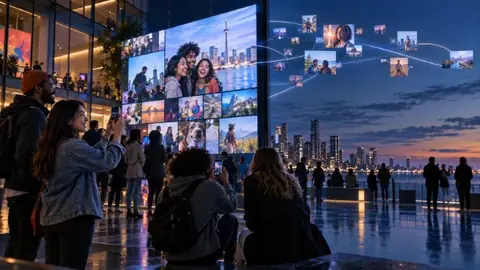
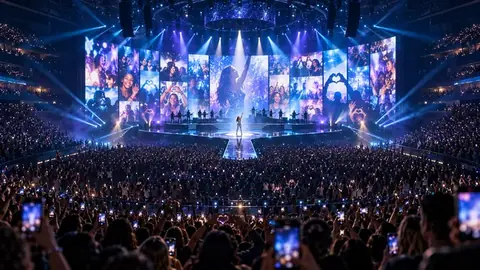
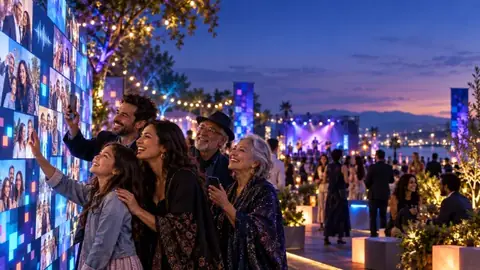
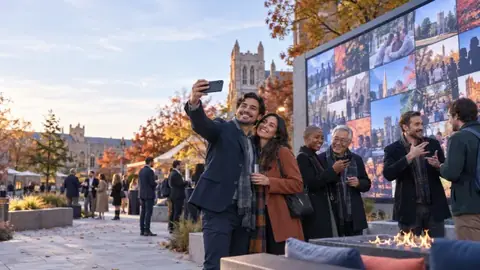
Pixloud TV shows your live photo wall full screen. Open it on the TV, enter the 4-digit code from your phone, and your guests’ photos appear. Pixloud TV is on Amazon Fire TV now, the other store apps are on their way, and every TV below already works.
On the TV: search Pixloud in the Appstore and install the free app.
Or use the browser
Open the Silk Browser on your Fire TV and go to pixloud.app/tv. Press OK on the remote for full screen.
Get it on the Amazon AppstorePixloud TV app: coming to the LG Content Store.
Use it today
Open the TV’s Web Browser and go to pixloud.app/tv.
Pixloud TV app: coming to Samsung Smart TVs.
Use it today
Open the TV’s Internet browser and go to pixloud.app/tv.
Pixloud TV app: coming to Google Play.
Use it today
Install the free Downloader app from the TV’s app store, open it and type pixloud.app/tvapp. Pixloud TV installs in a few seconds.
Use it today
Open any web browser on the TV or projector and go to pixloud.app/tv. Or plug in a laptop with an HDMI cable.
Tip: turn off the TV’s screensaver so the wall stays on all night. More help

Pixloud
Replies within 1 business day
Opens WhatsApp with your message. Standard messaging rates may apply.
Color theme
Text size
Display & reading
High contrast
Black background, white text, yellow highlights
Readable font
Swap brand type for a plain sans-serif
Letter spacing
Wider spacing between letters and words
Line height
More space between lines of text
Underline links
Show every link with an underline
Highlight focus
Strong yellow outline on the focused element
Reduce motion
Stop animations and transitions
Large cursor
Bigger pointer for easier tracking
Reading guide
A ruler that follows your pointer
Grayscale
Remove color from the page
Hide images
Hide photos and pictures, keep text
Settings are saved on this device. Pixloud aims to meet WCAG 2.1 AA; if something isn't working for you, tell us.
We only use cookies that keep you signed in and keep the site secure, plus two that remember how you found us: a partner’s referral link for 30 days, and a Google Ads click for 90. No analytics cookies, and nothing from third parties. Privacy policy
We only use cookies that keep you signed in and keep the site secure, plus two that remember how you found us: a partner’s referral link for 30 days, and a Google Ads click for 90. No analytics cookies, and nothing from third parties. Privacy policy
pixloud_sess
Keeps you signed in. Ends after 24 hours.
pixloud_rm
“Remember me” on sign-in, if you tick it. 30 days.
pl_form, pl_mform
Security check on sign-in and sign-up forms. Ends when you close the browser.
pixloud_ref, pixloud_aff
Remembers which partner or reseller link brought you here, so they get credit. 30 days.
pxl_ref
Remembers that another Wick product sent you here, such as PlannerWick. 30 days.
pxl_gclid
Remembers the Google ad you clicked, so we can tell which ads lead to a sale. Sent to Google only if you buy something, and only that click code. 90 days.
pxc_…
Remembers that a guest’s phone already entered an event code. 30 days.
pxsu
Finishes signing you up after you open the link in our email. 7 days.
pixloud_screen
Remembers this TV or laptop as one of an event’s wall screens. 400 days.
px_vid
Stops the same browser voting twice for a feature idea. 400 days.
pxv
Remembers that this screen’s size doesn’t match its device type, so the right layout loads. 1 year.
pixloud_name, pixloud_device_id
Guest page only, saved in the phone’s own storage (not a cookie): the guest’s name and a random device code, so per-phone limits work and the name is filled in next time.
Stripe
Set by Stripe on the checkout page only, to prevent card fraud.
Pixloud is live. Use this code at checkout on Essential, Signature, Studio or Agency.