




PixloudPixloud

Wall themes

Five looks. Pick the one that fits the room.

Every theme works on any screen. Choose one when you create your event, and switch any time from your dashboard.

Theme 1 of 10

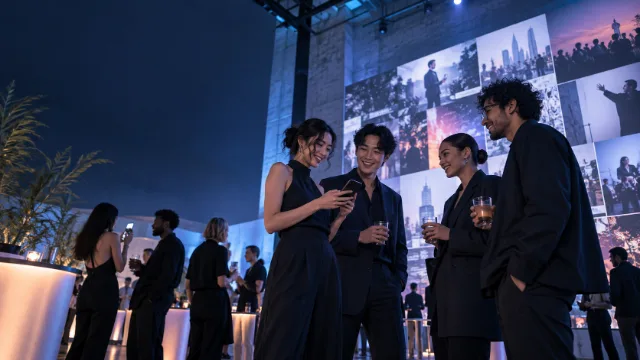
Midnight

Our default. Deep navy that lets every photo glow.

Best forEvening receptions and dark venues

Theme 2 of 10

Canvas

Warm white, like a gallery wall.

Best forDaytime events, garden parties and bright rooms

Theme 3 of 10

Neon

Deep purple and cyan, made for the dance floor.

Best forParties and late nights

Theme 4 of 10

Minimal

Black and white. Quiet, clean and professional.

Best forCorporate events and formal dinners

Theme 5 of 10

Sunset

Warm coral and violet, like the end of a good day.

Best forRooftops, beaches and summer parties

Theme 6 of 10

Ocean

Deep blue with a soft shine across the screen.

Best forHarbour venues and winter weddings

Theme 7 of 10

Garden

Deep green with a warm gold edge.

Best forMarquees, farms and outdoor ceremonies

Theme 8 of 10

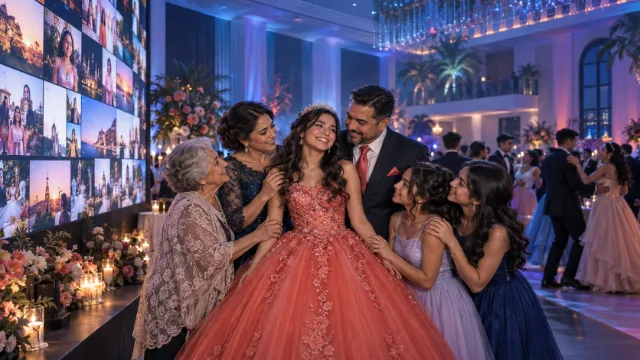
Rose Gold

Soft pink and warm metal.

Best forEngagements, showers and milestone birthdays

Theme 9 of 10

Aurora

Teal and violet that drift behind the photos.

Best forLaunches and late-evening receptions

Theme 10 of 10

Noir

Near black with a single warm light.

Best forAwards nights, galas and black tie

Brand templates

Your brand

Your logo and your colours, on every screen. Eleven brand templates to start from, or build your own.

Best forCompany events, sponsors, venues and resellers
[Your color]

Tips

Getting the most from the big screen.

Test before guests arrive

Open the wall on the venue screen early, so you can check the picture and the theme.

Mind the lighting

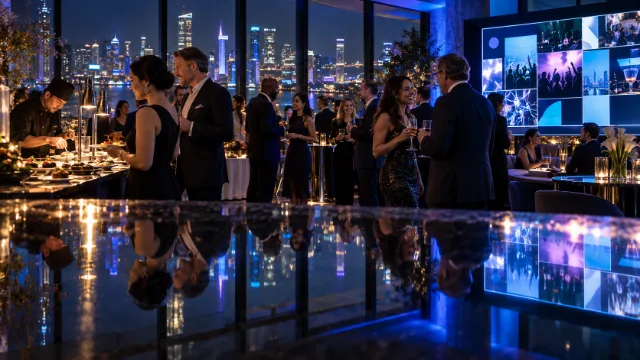
Projectors look best away from bright lights. Midnight, Noir and Neon suit darker rooms; Canvas and Rose Gold hold up in daylight.

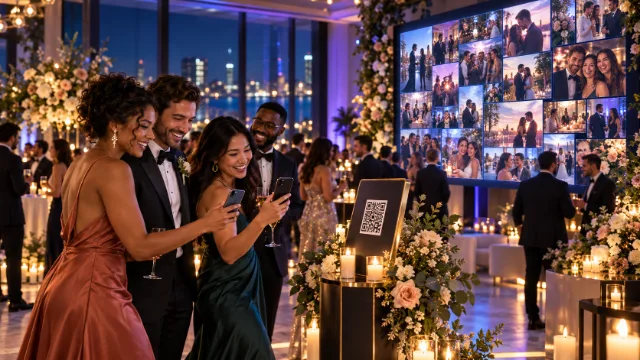
Put the QR code everywhere

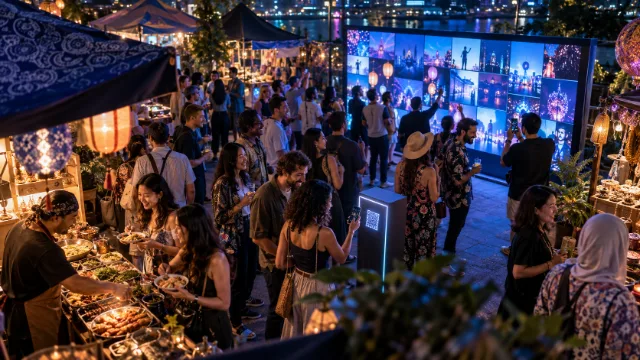
Tables, the bar, the entrance and the screen itself. More scans, more photos.
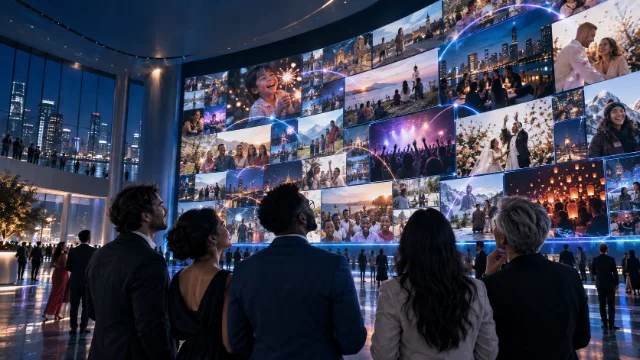
On the big screen

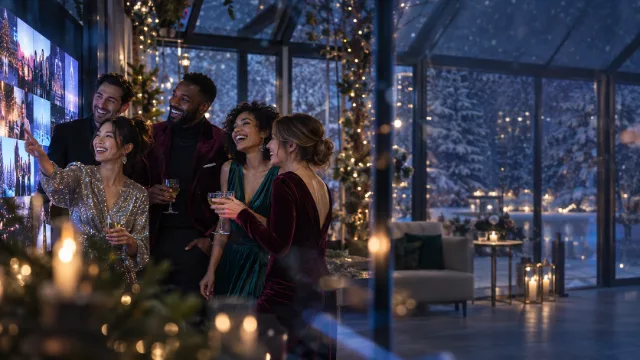
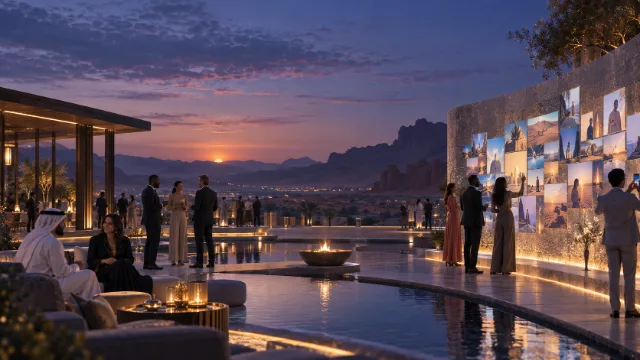
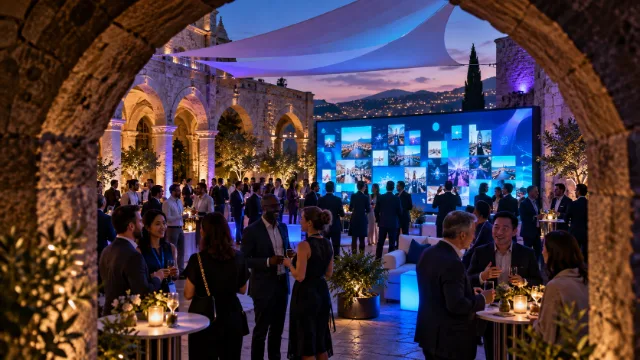
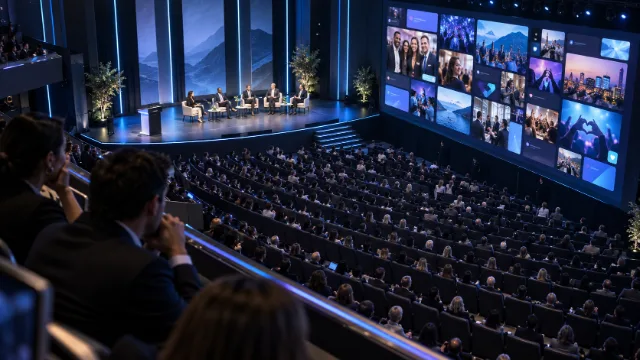
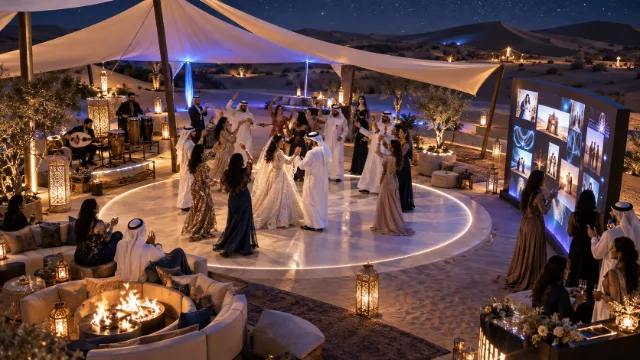
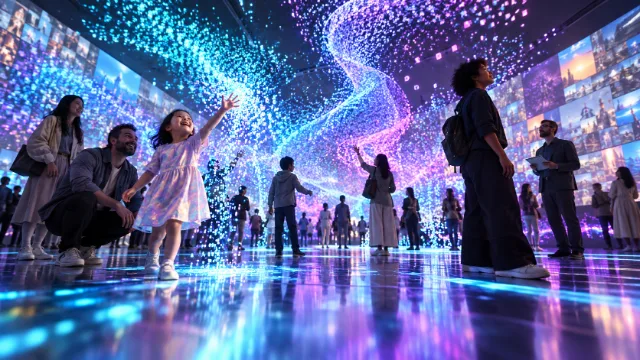
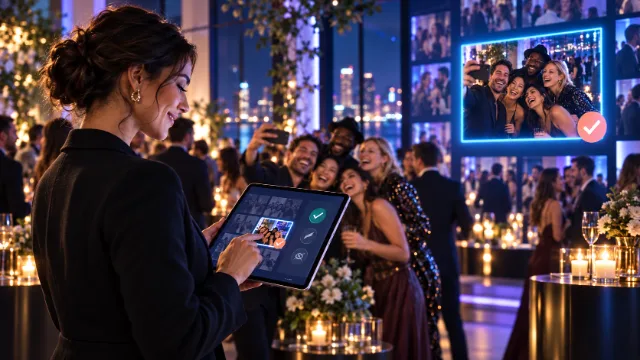
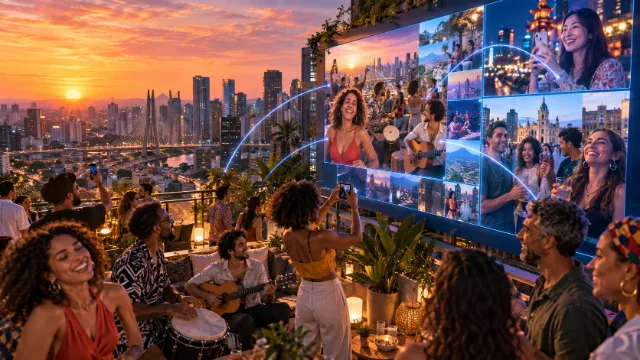
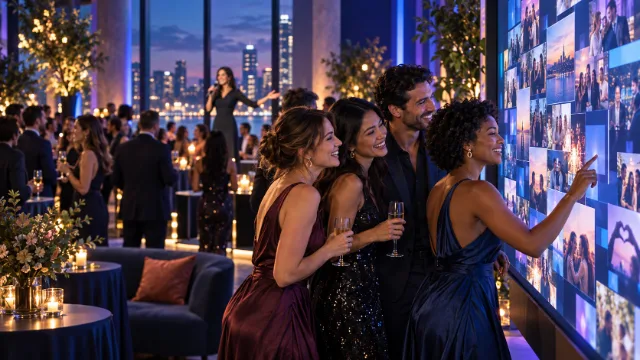
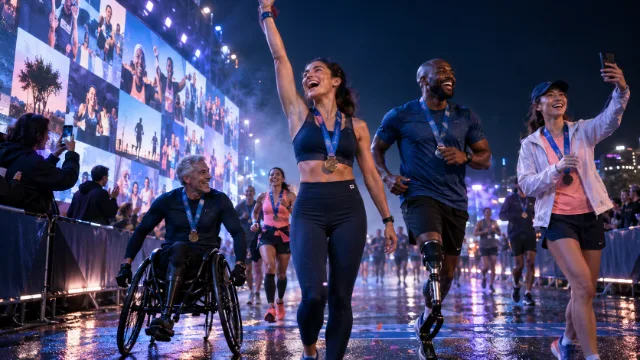
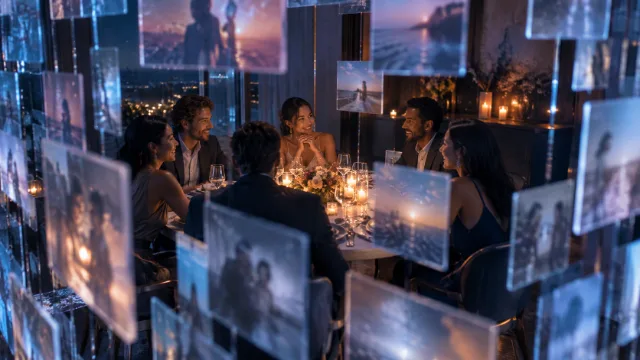
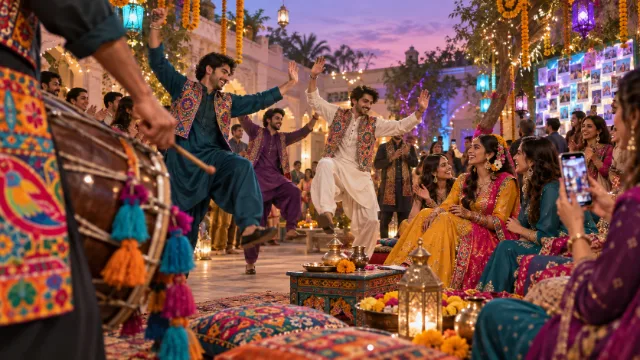
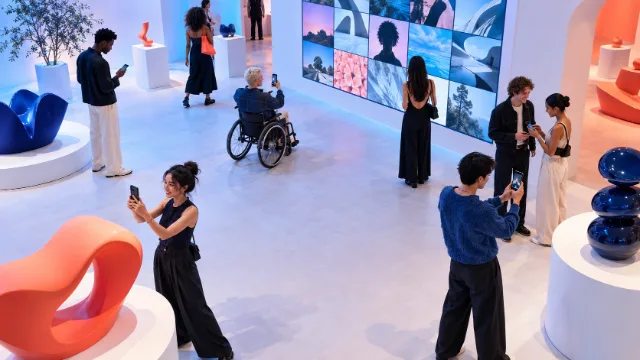
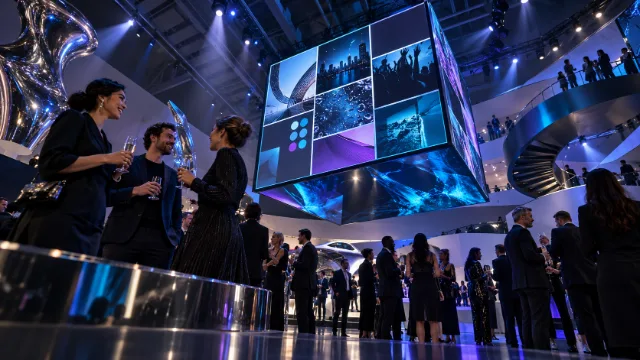
A wall should look like the event.

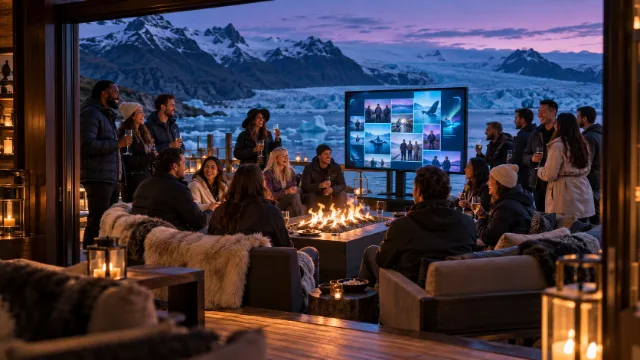
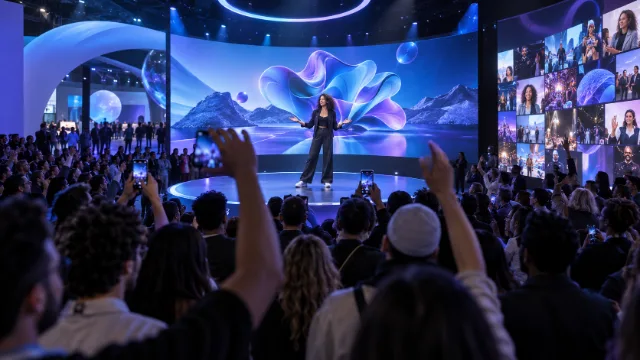
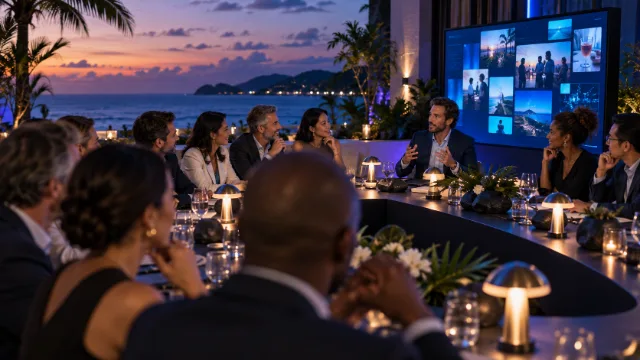
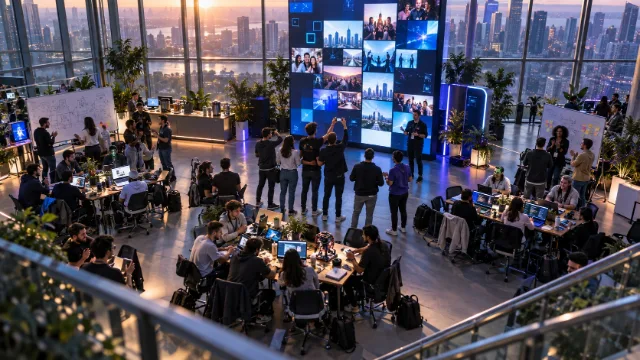
Ten themes and eleven brand templates, so the screen matches the room rather than fighting it.

Ready for your next event?

Set it up in minutes. Your first 25 photos are free.

Wall themes

Five looks. Pick the one that fits the room.

Every theme works on any screen. Choose one when you create your event, and switch any time from your dashboard.

Theme 1 of 10

Midnight

Our default. Deep navy that lets every photo glow.

Best forEvening receptions and dark venues

Theme 2 of 10

Canvas

Warm white, like a gallery wall.

Best forDaytime events, garden parties and bright rooms

Theme 3 of 10

Neon

Deep purple and cyan, made for the dance floor.

Best forParties and late nights

Theme 4 of 10

Minimal

Black and white. Quiet, clean and professional.

Best forCorporate events and formal dinners

Theme 5 of 10

Sunset

Warm coral and violet, like the end of a good day.

Best forRooftops, beaches and summer parties

Theme 6 of 10

Ocean

Deep blue with a soft shine across the screen.

Best forHarbour venues and winter weddings

Theme 7 of 10

Garden

Deep green with a warm gold edge.

Best forMarquees, farms and outdoor ceremonies

Theme 8 of 10

Rose Gold

Soft pink and warm metal.

Best forEngagements, showers and milestone birthdays

Theme 9 of 10

Aurora

Teal and violet that drift behind the photos.

Best forLaunches and late-evening receptions

Theme 10 of 10

Noir

Near black with a single warm light.

Best forAwards nights, galas and black tie

Brand templates

Your brand

Your logo and your colours, on every screen. Eleven brand templates to start from, or build your own.

Best forCompany events, sponsors, venues and resellers
[Your color]

Tips

Getting the most from the big screen.

Test before guests arrive

Open the wall on the venue screen early, so you can check the picture and the theme.

Mind the lighting

Projectors look best away from bright lights. Midnight, Noir and Neon suit darker rooms; Canvas and Rose Gold hold up in daylight.

Put the QR code everywhere

Tables, the bar, the entrance and the screen itself. More scans, more photos.

On the big screen

A wall should look like the event.

Ten themes and eleven brand templates, so the screen matches the room rather than fighting it.
Ready for your next event?

Set it up in minutes. Your first 25 photos are free.