

























For venues
Venue walls
Updated 26 October 2026
1What a venue wall is
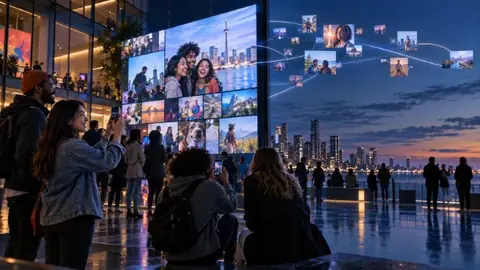
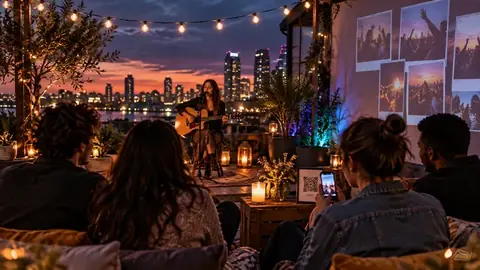
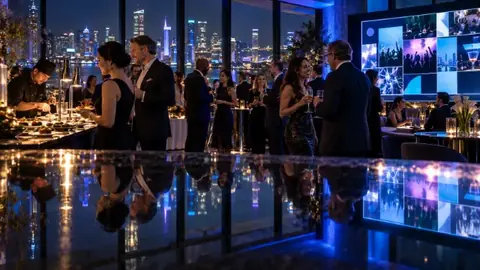
An always-on photo wall for a place, not a one-off event: a café, restaurant, bar, salon, gym, church or school lobby. One QR code stays on the tables or by the door for good. Guests scan it, share a photo or a message, and once you approve it, it shows on your screen.
2Limits that reset
You choose how much each phone can share: 3, 10 or 20 photos, or no limit, plus video clips, voice notes and messages. The limits reset every day at midnight, every 12 hours, every week, or after a number of hours you pick.
3Always fresh on screen
The wall shows recent posts only: today, the last 7 days, the last 30 days or the last 90 days. Older posts stay in your album, where a calendar lets you and your guests open any day.
4You stay in control
Nothing appears until you or your staff approve it, from a phone or a laptop. For regulars you trust, tap Trust phone and their posts go straight up. You can take any post down at any time. Pixloud never uses face recognition.
5Kept for 12 months
Posts are kept for 12 months, and the oldest are removed a few at a time after that, so the album never stops growing for no reason. Download any of it whenever you like.
6What it costs
The Venue plan is $29 a month, or $290 a year, for one venue wall. Studio includes one venue wall, Agency 10 includes ten and Agency 20 includes twenty, alongside their events. If a plan ends, the wall pauses and shows "Back soon", and its posts are kept for 30 days in case you come back.
7Getting started
On a plan that includes venue walls, open your dashboard and choose New venue wall. Name it, pick your limits, print the QR code, and open the wall on any screen or smart TV. It takes a few minutes.
Questions about this?
Email hello@pixloud.app and a person will reply, or see all plans.