





























Legal
Accessibility
Last updated 26 October 2026
1Our goal
We want everyone to be able to use Pixloud: hosts setting up an event, moderators approving posts, and guests sharing from their phones. We aim to meet the Web Content Accessibility Guidelines (WCAG) 2.2 at level AA on pixloud.com, the host dashboard and the guest page.
2What we do
Pages are built to work with a keyboard and with screen readers on phones and computers. Text and buttons are checked for colour contrast, and animations are reduced when your device asks for less motion.
The Accessibility button at the bottom of every page lets you change how the site looks for you. Guests need no app and no account, so there are no extra sign-in steps.
3Known limits
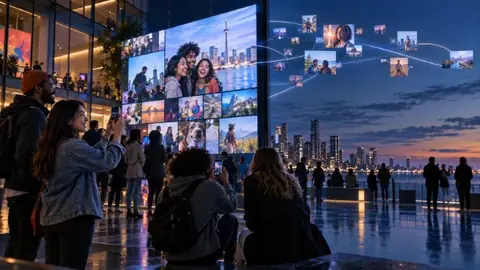
Photos on a live wall come from guests, who don't add text descriptions, so a screen reader can't describe them. The wall is made for a big screen at the venue.
Approved voice notes can play out loud on the wall. Hosts can switch this off for a quiet room.
Recap videos are photos set to music, without narration.
4Tell us about a problem
If something on Pixloud is hard to use, email support@pixloud.app with "Accessibility" in the subject. Tell us the page and what happened. A person will reply, and where we can we will fix it or get you the information another way.
5How we checked
This statement is based on our own review of the site in October 2026. It is not an independent audit. We update it when we make changes.
Questions about this?
Email support@pixloud.app and a person will reply. You can also use the contact page.