




















PixloudPixloud

Communities

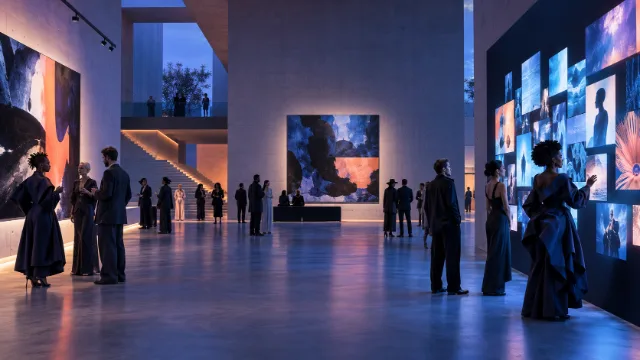
Bring the whole community into the picture.

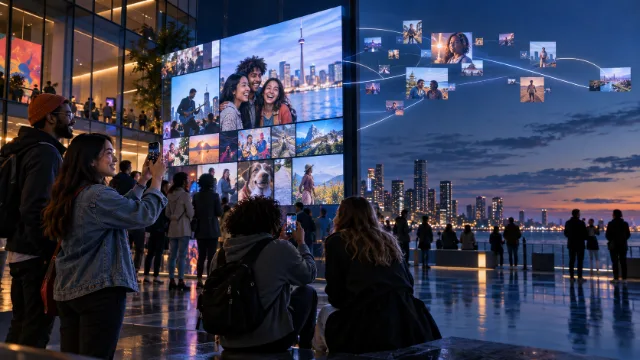
Volunteer days, school events, cultural celebrations and local festivals. Anyone can join in from their own phone, with no app and no account.

Ideas

Ways to use Pixloud for communities.

Volunteer events

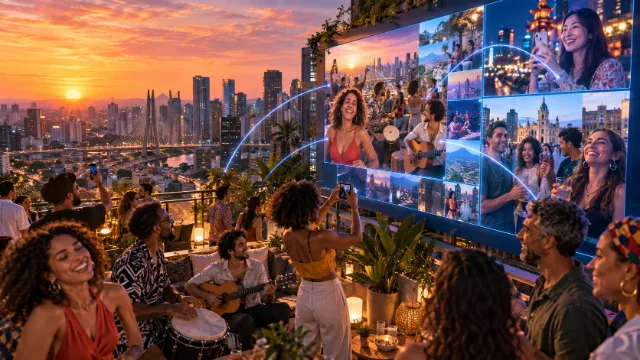
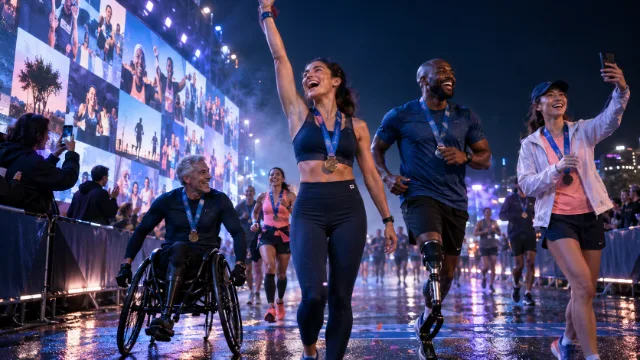
Celebrate the people who made the day happen, on the big screen.

School events

Every photo is approved before it's shown, which matters when children attend.

Cultural celebrations

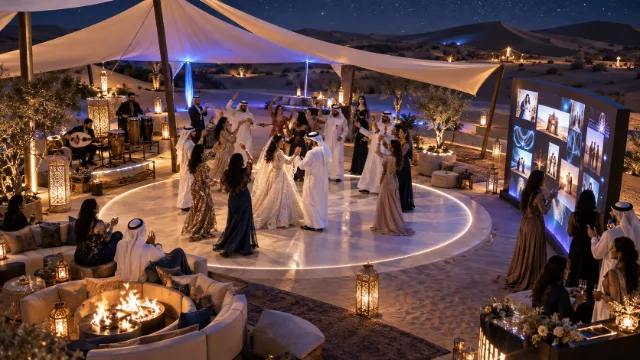
Guests of every age can share their view of the celebration.

Local festivals and fundraisers

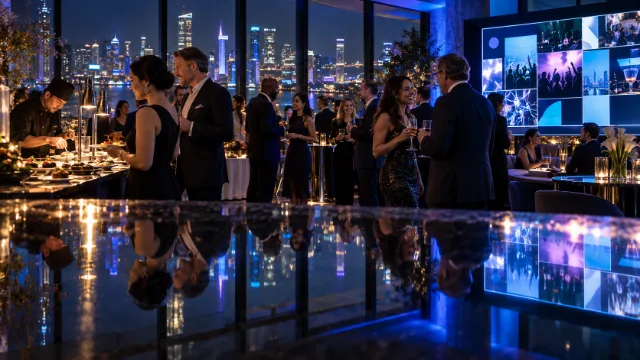
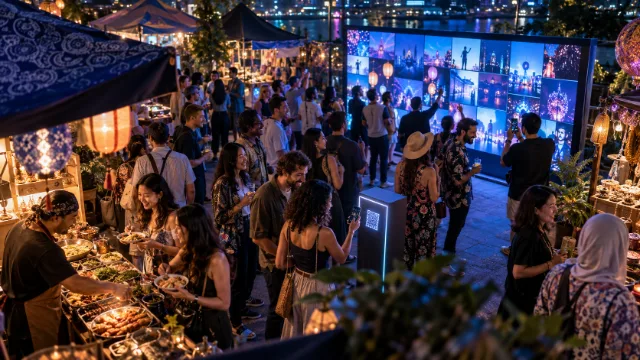
Show the crowd to itself as the day unfolds.

Tips

How hosts make it work.

  1. 1

    Name a photo approver

    Invite a volunteer by link. They approve from their own phone, with their own login.

  2. 2

    Make the QR code easy to find

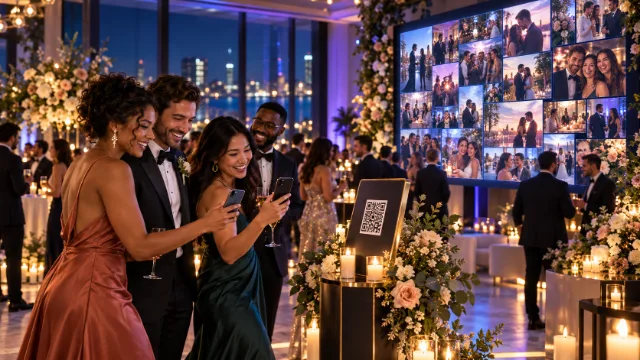
    Put it at the entrance, the info desk and on the screen itself.

  3. 3

    Ask about the nonprofit discount

    Nonprofits get 25% off any plan. [How to apply]

Which plan?

For large gatherings: Signature

Signature is $149 for 5,000 photos, video clips, voice notes and a Moments recap video. Hosting events all year? Studio is $39 a month for two Signature events, Agency $99 for unlimited.

See pricing →

Built for big crowds: our launch event had 2,500 guests.

Four volunteers approved from their own phones. Nobody had to share a login, and nothing unexpected ever hit the screen.

[Name] · [Role] · [Event]

Ready for your next event?

Set it up in minutes. Your first 25 photos are free.

Communities

Bring the whole community into the picture.

Volunteer days, school events, cultural celebrations and local festivals. Anyone can join in from their own phone, with no app and no account.

Ideas

Ways to use Pixloud for communities.

Volunteer events

Celebrate the people who made the day happen, on the big screen.

School events

Every photo is approved before it's shown, which matters when children attend.

Cultural celebrations

Guests of every age can share their view of the celebration.

Local festivals and fundraisers

Show the crowd to itself as the day unfolds.

Tips

How hosts make it work.

  1. 1

    Name a photo approver

    Invite a volunteer by link. They approve from their own phone, with their own login.

  2. 2

    Make the QR code easy to find

    Put it at the entrance, the info desk and on the screen itself.

  3. 3

    Ask about the nonprofit discount

    Nonprofits get 25% off any plan. [How to apply]

Which plan?

For large gatherings: Signature

Signature is $149 for 5,000 photos, video clips, voice notes and a Moments recap video. Hosting events all year? Studio is $39 a month for two Signature events, Agency $99 for unlimited.

See pricing →

Built for big crowds: our launch event had 2,500 guests.

Four volunteers approved from their own phones. Nobody had to share a login, and nothing unexpected ever hit the screen.

[Name] · [Role] · [Event]

Ready for your next event?

Set it up in minutes. Your first 25 photos are free.