

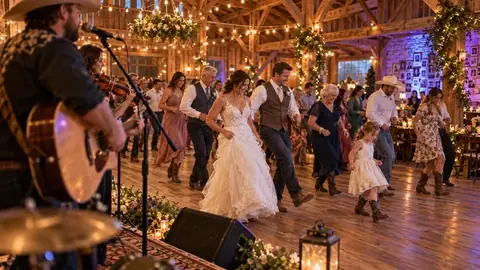




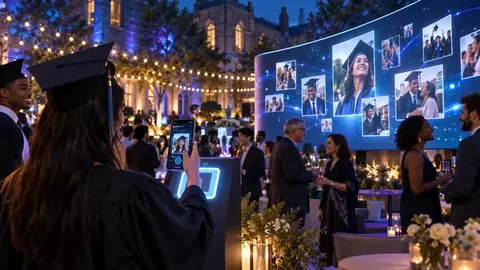


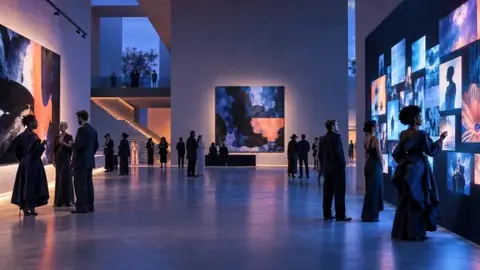



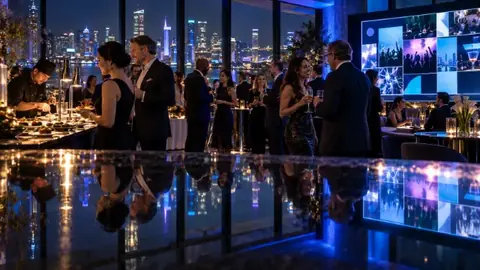








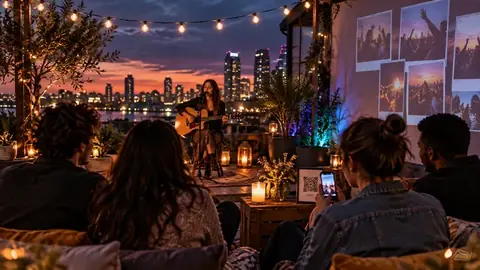
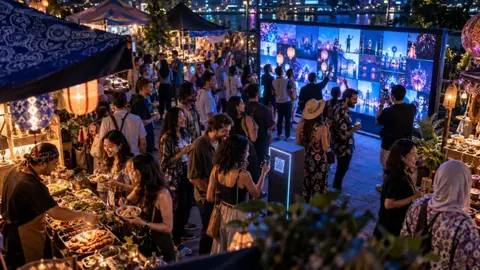







A venue wall is an always-on photo wall for a place, not a one-off event. One QR code stays on the tables for good, and guests share every day.
Who gets venue walls
- Venue plan: one venue wall.
- Studio: one venue wall, plus your monthly events.
- Agency 10 / Agency 20: ten or twenty venue walls.
Set one up
- In your dashboard, choose New venue wall.
- Name it and pick your time zone (limits reset at midnight there).
- Choose how much each phone can share, when the limits reset, and how far back the wall shows.
- Print the QR code from the wall's page and open the wall on any screen.
Trusted phones
Everything waits for approval. For a regular you trust, open Approvals and choose Trust phone on one of their posts: their next posts go straight on the wall. Choose Trusted ✓ to stop.
Keeping and pausing
Posts are kept for 12 months, and the oldest are removed after that. The album has a calendar, so anyone with the album link can open any day. If your plan ends, the wall pauses and shows "Back soon". We email you, and the posts are kept for 30 days in case you come back.