





On this page
Switch portraits onThe 15 stylesWhat guests doOn the wallFree portraits and packsPrivacyToonloud is a portrait guestbook built into Pixloud. Guests take a selfie on your event's page, pick a style, and about half a minute later get an illustrated portrait. It appears on the big screen with their name and message, and you keep every one.
Switch portraits on
- Open your event. Under Quick links, click Toonloud portraits.
- Tick Let guests get their portrait drawn.
- Under Styles, tick the styles guests can choose from, or use a Quick pick: Wedding, Birthday & kids, Sweet 16 & teens, Sports & teams, School & college, Work & corporate, or All styles.
- Set Portraits per phone.
- Optionally type a Theme, such as "gold and ivory, roses". It adds your colours and small props to every portrait. Plain words only: real team or brand names are left out.
- Choose whether portraits go on the wall straight away, or wait in your approval queue like photos.
- Click Save. You'll see Saved. Portraits are on.
Guests use the same QR code as your photo wall. Their page shows a Get your portrait drawn card. The Toonloud page also has a link that opens the portrait page directly.
The 15 styles
Caricature, Watercolor, Pop art, Magazine cover, Trading card, Line art, 3D cartoon, Anime, Royal portrait, Superhero, Storybook, Charcoal, Neon glow, Sticker and Game day. All are original styles, with no studio, artist, team or brand names.
What guests do
- Scan the QR code and tap Get your portrait drawn.
- Tap Take a selfie or Choose a photo. Two or three people in one photo is fine.
- Add a name and a short message, pick a style and tap Draw my portrait.
- After about half a minute the portrait appears. They can tap Save and share my portrait, Draw another, or share photos on the wall too.
Each guest also gets their own keepsake page, where they can save the picture and watch it being drawn again.
On the wall
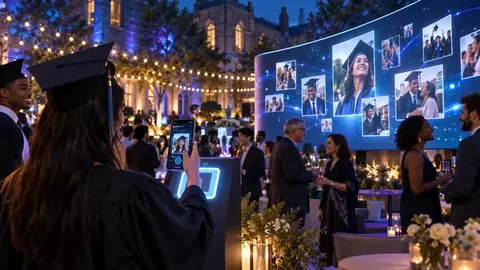
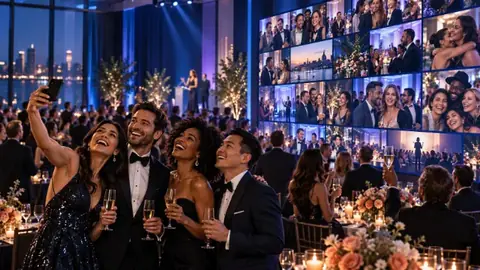
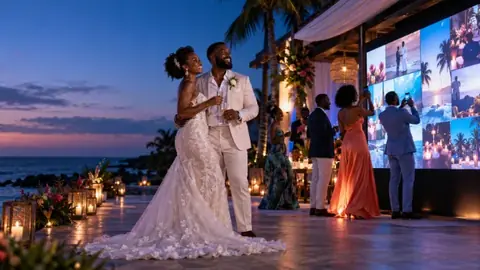
New portraits are played on the big screen as they are drawn, with the guest's name and message. When most pictures on the wall are tall, the wall switches to tall boxes so portraits are not cropped.
Free portraits and packs
- Every host account gets 25 free portraits, once, in one style: the first style you tick.
- After that, add a pack to the event: 100 portraits for $29, 250 for $59 or 500 for $99, paid once.
- Any pack unlocks all 15 styles and the theme line.
- Portraits never count toward your plan's photo limit or the per-phone photo limit.
When every portrait has been used, guests see All portraits are drawn. Add a pack to carry on.
Privacy
- The selfie is shrunk, stripped of its details, and deleted as soon as the portrait is drawn. You keep the drawing, not the selfie.
- Nothing in Toonloud recognises or identifies faces.
- Nothing a guest types is used to draw the picture. Names and messages are checked for blocked words.
- By switching portraits on, you confirm you have the right to invite your guests, and that a parent or guardian has agreed for anyone under 18.
Portraits are for events for now. Venue walls will get them later.
Before your event opens, use the private test link on the Toonloud page to try it yourself. Each test uses one portrait.