
























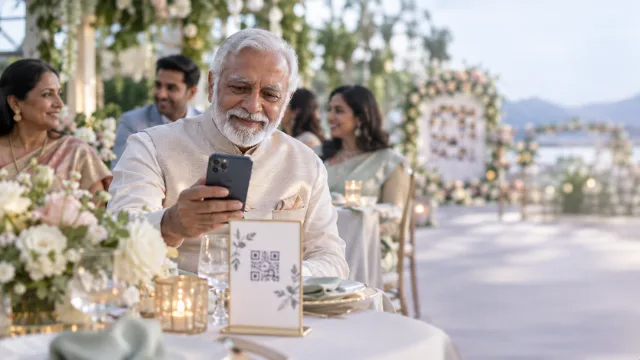
Every event has the same problem. Everyone took photos, and nobody can find them. Some are in a group chat that's now 400 messages long. Some are on Instagram, if the account isn't private. Most are sitting on phones you'll never see.
QR code photo sharing is the simplest fix we know of. You print one code. Guests scan it. Their photos come to you.
How QR code photo sharing works
- You create an event and get its QR code.
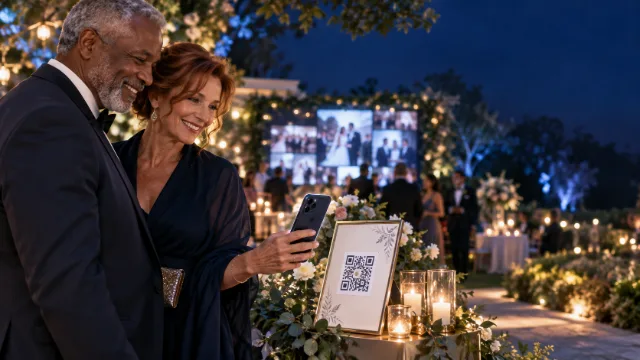
- You put the code where people will see it: table cards, a sign at the entrance, the back of the program, a slide on the screen.
- A guest points their phone camera at it. A page opens in their browser with your event's name.
- They choose photos from their camera roll (or take one right there) and tap send.
- The photos land in your event. If you're running a live wall, you approve them and they show up on the screen.
There's nothing to install and no account to make. That matters more than it sounds: the moment you ask guests to download something, half of them don't.
Why a QR code beats the usual options
A shared album usually means everyone has to be on the same app or signed in to the same kind of account. At a mixed crowd, that falls apart fast.
A hashtag sounds fun, but photos from private accounts never show up, and you're left digging through strangers' posts that used the same tag.
A group chat works for ten people. At a wedding of 150, it becomes a mess of half-sized images you'll never sort out.
A QR code works on almost any modern phone, Android or iPhone, with the camera people already know how to use.
What to print
- Table cards. One per table is plenty. Pixloud prints them four to a page, with the code and a short line telling people what to do.
- A big sign near the entrance or the bar, for people who arrive late or never sit down.
- The short code. Each event also has a 6-character code. Guests who can't scan (it happens) can type it at pixloud.app/join.
Put the code where phones already are. Next to the bar, at the dessert table, by the photo backdrop. People scan when their phone is already in their hand.
With a screen or without one
You can use QR photo sharing two ways.
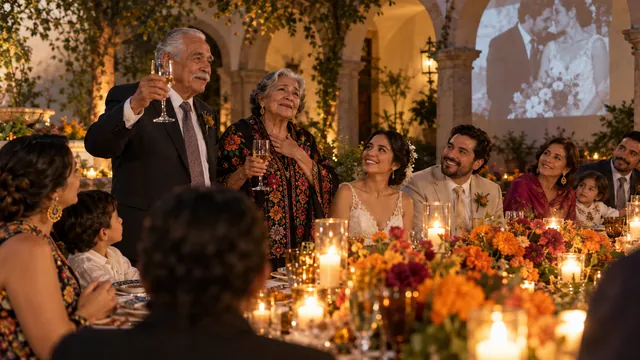
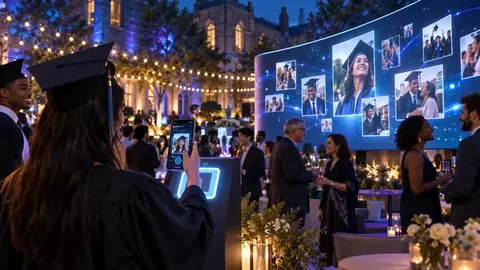
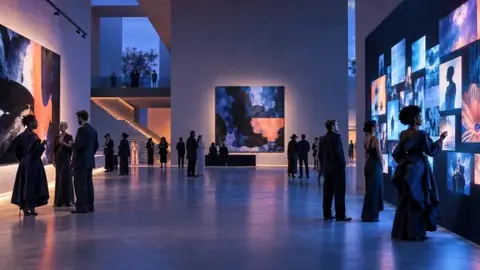
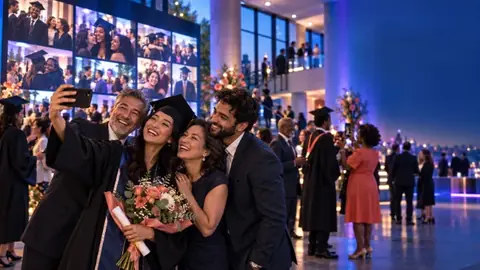
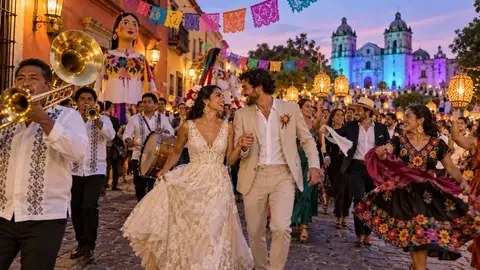
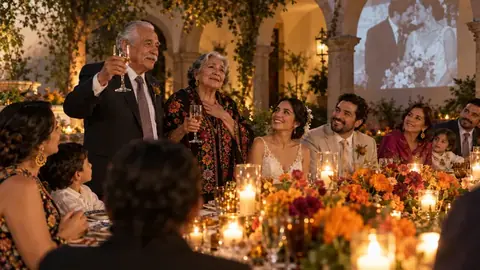
With a live wall. Approved photos play on a TV, projector or LED wall in the room. Guests see their photo go up seconds after they send it, which makes them send more. This is the version most people choose for weddings, quinceañeras and big birthdays.
Without a screen. Photos simply collect in your private album. Good for a memorial, a reunion, a school trip, or any event where a screen would feel out of place.
Either way, everything ends up in one album you can share and download.
Where it works well
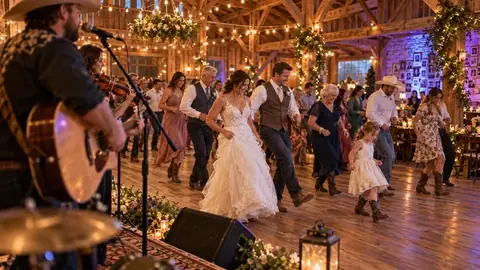
- Weddings, from the ceremony to the last dance
- Quinceañeras, birthdays and anniversaries
- Company events, with your logo on the wall
- Schools, churches and community events, with volunteers approving from their phones
- Restaurants and cafés that want an always-on wall of customer photos
Staying in control
Collecting photos from a crowd only works if you trust what's coming in. So every post waits for approval before it reaches the screen, and you can hand approving to helpers on their own phones. Guests never give us an email address, and Pixloud never uses face recognition.
What it costs
Your first 25 photos are free, with no card needed. For a full event, Essential is $79 and Signature is $149, paid once. If you run events every month, there are monthly plans too.
Questions people ask
Does QR code photo sharing work on iPhone and Android?
Yes. Guests scan the code with the normal phone camera on iPhone or Android, and the upload page opens in the browser. No app is needed.
Do guests need to create an account?
No. Guests never make an account or give an email address. They scan, choose photos and send.
Can I collect photos without showing them on a screen?
Yes. You can use Pixloud only to collect photos into a private album. The live wall is optional.
What if a guest can't scan the QR code?
Every event has a short 6-character code printed on the card. Guests can type it at pixloud.app/join instead of scanning.
Try it before your event
Your first 25 photos are free, with no card needed. Set up an event, print one card, and test it at home.